
Gradius IT Solutions

AI Automation in Managed IT: A Practical Guide
Table of Contents
- What Is AI Automation in Managed IT
- AI Automation Examples in IT Operations
- AI Tools for IT Automation and Service Management
- AI Help Desk Automation: Improving Service Delivery
- Responsible AI Adoption for Businesses
- Common Mistakes When Implementing AI Automation
- When Your Business Should Consider AI Automation
- Frequently Asked Questions
Last Updated: October 15, 2026
What Is AI Automation in Managed IT
AI automation managed IT uses artificial intelligence and machine learning to detect, triage, and resolve technology problems without human intervention. Rather than waiting for an alert and a technician, AI systems continuously monitor your infrastructure, spot issues before they impact users, and often fix them automatically.
Traditional automation follows rigid rules: “If X happens, do Y.” AI automation learns patterns from your environment and adapts, recognizing anomalies that don’t fit the normal baseline even if that specific problem has never appeared before.
How AI Automation Differs from Traditional Automation
Traditional automation is rule-based: if a server’s CPU exceeds 80%, restart the service; if a user fails login three times, lock the account. These rules work until a new problem emerges that matches no rule you’ve written.
AI automation learns what “normal” looks like for your environment and spots deviations.
The key difference: traditional automation is reactive to known problems. AI automation is predictive and adaptive to unknown ones.
The Technologies Behind AI Automation
Three core technologies power AI automation in IT:
Machine learning analyzes historical data to learn what normal performance looks like for each application, server, and network segment, then detects deviations.
Natural language processing (NLP) reads tickets, emails, and logs written in plain English, so tickets are categorized and routed automatically instead of manually.
Intelligent algorithms weigh factors like severity, impact, available resources, and past similar incidents to recommend or execute the best response.
AI Automation Examples in IT Operations
Incident Detection and Triage
AI systems monitor your infrastructure 24/7 and detect problems in seconds. A server’s disk fills up. Database query times spike. An application crashes.
Traditional monitoring alerts you; AI automation correlates the signals. It recognizes that the disk filling up caused the database slowdown, which triggered the application crash, and delivers one alert instead of three: “Root cause: disk space. Impact: three dependent services.
This triage saves hours. Your team spends less time investigating and more time fixing.
Monitoring and Proactive Issue Prevention
Proactive monitoring catches problems before users notice them. AI learns your baseline. When a service starts degrading gradually, response times creeping up, error rates edging higher, the system alerts you before it breaks.
Many providers monitor reactively and wait for a failure. AI automation shifts to prevention: a disk at 70% capacity gets flagged now, with a suggestion to expand storage before it becomes an outage.
This approach reduces unplanned downtime and improves reliability.
Service Desk and Ticket Management
Your help desk receives tickets from users. “I can’t print.” “Email is slow.” “I forgot my password.”
AI reads and categorizes each ticket: “I can’t print” usually means a driver or connectivity issue, “Email is slow” often points to mailbox size or connectivity, and “I forgot my password” is a self-service reset.
The system routes each ticket to the right queue. For simple issues, it can execute the fix automatically, reset the password, clear the print queue, restart the email client.
Result: faster resolution, fewer escalations, better user experience.
AI Tools for IT Automation and Service Management
Before comparing platforms, it helps to know which category of tool you are actually looking at.
ITSM automation is the rule-based layer inside a ticketing platform.
RPA (robotic process automation) drives a user interface the way a person would, opening a browser, clicking fields, copying values between systems.
A practical environment usually runs all three: AIOps for detection and correlation, ITSM automation for routing and workflow, and RPA only where an API does not exist.
How the Platforms Actually Work
An AIOps platform has four functional layers, and it is worth asking a provider to walk through each one.
**1.
2. Baselining and anomaly detection. The system builds a statistical model of normal behavior for each server, service, or user.
3. Correlation and root-cause analysis. Individual alerts are grouped into a single incident.
4. Remediation and orchestration. The platform executes a runbook, clearing a print queue, restarting a service, expanding a volume, revoking a stale session, or opening a ticket with context attached.
What to Evaluate Before You Buy
Most providers will show you a dashboard. Ask instead about the mechanics underneath it.
- Data sources supported. Can it ingest from your specific EDR, firewall, hypervisor, and Microsoft 365 tenant without custom connectors? Ask for the integration list, not a demo.
- Baseline learning period. How long before anomaly detection is reliable? A common pattern is two to four weeks of clean telemetry before the model is trustworthy.
- Explainability. When the system flags an anomaly or recommends an action, can it show which signals drove the decision? If a technician cannot see the reasoning, they will not trust the output and will ignore it.
- Remediation guardrails. Which actions can run automatically, which require approval, and who can change that list? This should be configurable per customer, not fixed by the vendor.
- Rollback. If an automated fix makes things worse, how is it reversed? Every automated action should have a defined undo path.
- Multi-tenant isolation. If your provider serves many clients on one platform, confirm that your data, models, and runbooks are logically separated from other tenants.
- Data handling. Where does telemetry live, how long is it retained, and is it used to train models shared with other customers? Get this in writing.
- Exit path. If you change providers, can you export your runbooks, baselines, and historical incident data? Lock-in is a real cost.
Ask any provider to show you a live incident from the past 30 days, the raw alerts, the correlation logic, and the action taken. A platform that cannot produce that trace is either not ingesting enough data or not correlating it.
Where This Fits in a Managed Environment
For most small and midsized organizations, buying an AIOps platform directly is not practical, the licensing, integration, and tuning assume staffing most internal IT teams lack.
That said, the provider should be able to explain exactly which AI automation managed IT platform they run, which data sources feed it, and how your environment is segmented from others. When evaluating a Managed IT Services provider, ask specifically how they implement AI automation and whether it’s integrated with their 24/7 monitoring and help desk operations.
Gartner Market Guide for AIOps Platforms
AI Help Desk Automation: Improving Service Delivery
Automated Ticket Routing and Resolution
Help desk tickets arrive constantly through email, the ticketing system, and chat, and each needs to reach the right technician.
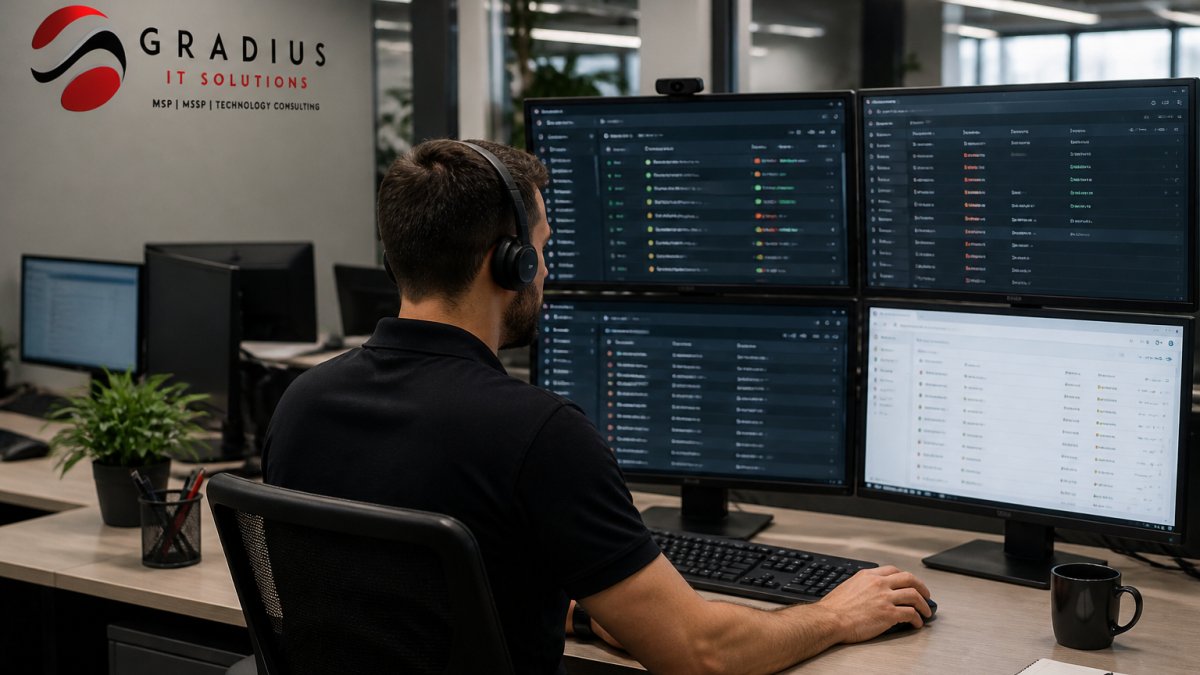
AI reads ticket content and routes it intelligently: password resets to identity management automation, network connectivity issues to your network team, Microsoft 365 problems to your cloud team.
For straightforward issues, password resets, mailbox forwarding, software license requests, AI resolves them without human involvement, completing the request in seconds. A 24/7 IT Help Desk powered by AI automation can handle routine requests instantly while escalating complex issues to your team.
This doesn’t eliminate your help desk. It frees them from repetitive tasks. Technicians focus on complex problems that require judgment and troubleshooting.
Response Time and User Experience
Traditional help desk metrics focus on ticket volume; AI automation shifts the conversation to impact.
Response time matters less if the issue is resolved automatically. A password reset in 10 seconds beats a technician responding in 15 minutes.
AI improves user experience by reducing friction. Users get help faster. Problems are solved before they escalate. Technicians have better information when they do get involved.
The result is higher satisfaction and fewer escalations.
Responsible AI Adoption for Businesses
Governance and Human Oversight
AI automation needs boundaries. Decide which actions the system can execute automatically and which require human approval.
A low-risk action, resetting a password, restarting a service, can be fully automated. A high-risk action, deleting files, modifying security settings, provisioning admin access, should require human review.
Set clear policies, document them, review them regularly, and adjust as the system learns.
Governance also means transparency. Your team should understand why the system made a decision. If it recommended deleting old log files, why?
Security, Privacy, and Data Protection
AI systems learn from sensitive data, logs, emails, network traffic, and user behavior.
Ensure your AI platform encrypts data in transit and at rest, verify the vendor doesn’t use your data to train models for other customers, and confirm retention policies align with your compliance requirements.
If you’re in healthcare, finance, or law, data protection is non-negotiable. This is why Secure AI & Automation Services should be a core consideration when implementing any AI-driven system in your environment.
Measuring ROI and Operational KPIs
AI automation should deliver measurable results, so define success before you implement.
Track these metrics:
- Mean time to detect (MTTD): How fast does the system spot issues?
- Mean time to resolve (MTTR): How fast are issues fixed?
- Ticket volume: Do automated resolutions reduce help desk workload?
- Uptime: Does proactive monitoring prevent outages?
- User satisfaction: Are users happier with faster resolutions?
Review these metrics monthly. If the system isn’t delivering, adjust your configuration or escalate to your vendor.
Common Mistakes When Implementing AI Automation
Many organizations rush into AI automation without proper planning. They buy a tool, turn it on, and expect results.
Mistake 1: No baseline. You can’t measure improvement without a starting point. Document current incident volume, resolution time, and uptime before implementing AI.
Mistake 2: Over-automation. Automating a risky action without human review can cause bigger problems. Start conservative and automate low-risk tasks first.
Mistake 5: No governance. Without clear policies, the system can make decisions that violate compliance requirements or security standards.
When Your Business Should Consider AI Automation
AI automation makes sense when:
- Your help desk is overwhelmed with repetitive requests
- You experience frequent, preventable outages
- Your IT team spends more time responding to problems than planning improvements
- Compliance requirements demand fast detection and response
- You’re growing faster than you can hire technicians
- You want to shift from reactive to proactive IT management
If your team is small and fires are rare, AI automation might not be urgent. If you’re scaling, dealing with complexity, or managing multiple locations, it’s worth serious consideration.
AI automation in managed IT isn’t about replacing your team, it’s about multiplying their effectiveness.
At Gradius IT Solutions, we help businesses implement AI automation responsibly. Our Cybersecurity & SOC Services team uses intelligent automation to detect incidents faster and resolve them before they escalate.
Frequently Asked Questions
What is the difference between AI automation and regular automation in managed IT?
Regular automation executes predefined rules, if X happens, do Y. AI automation learns from patterns and makes decisions without explicit instructions. It detects anomalies, prioritizes incidents, and adapts to new situations. For example, traditional automation might restart a service when it stops. AI automation recognizes that the service stops repeatedly due to a memory leak and flags it for investigation before the next failure. Both improve efficiency, but AI automation handles complexity and variation that rule-based systems cannot.
What are common examples of AI automation in managed IT?
Common examples include anomaly detection (identifying unusual network traffic or login patterns), intelligent ticket routing (assigning help desk requests to the right technician based on skills and workload), predictive maintenance (flagging servers likely to fail before they do), and automated incident triage (determining severity and urgency without human input). AI also powers intelligent alerting that filters noise from real problems, reducing alert fatigue and helping IT teams focus on what matters.
How can a business adopt AI automation while protecting its data and privacy?
Start by defining which data the AI system can access and what decisions it can make independently. Require human approval for critical actions like shutting down systems or deleting files. Use AI tools designed for your industry that comply with relevant regulations, healthcare organizations need HIPAA-aligned tools, for example. Ensure your AI vendor has transparent data handling practices and doesn’t train models on your proprietary information. Audit the AI system regularly to catch bias or unexpected behavior. Responsible adoption means AI improves operations without compromising security or compliance.
What metrics should we track to measure whether AI automation is working?
Track mean time to detection (MTTD), how quickly AI identifies problems. Monitor mean time to resolution (MTTR), how fast issues get fixed. Measure help desk ticket resolution rate and first-contact resolution percentage. Count how many incidents AI prevented by catching them before they affected users. Compare staffing effort before and after implementation, AI should reduce manual work on repetitive tasks. Review service-level agreement (SLA) compliance and user satisfaction scores. These KPIs show whether AI is actually improving service quality and reducing operational costs.
This post AI Automation in Managed IT: A Practical Guide first appeared on Gradius IT Solutions and is written by